By Charlie DeFelice, founder of Viking Marketing. Viking is one of the four tools below. We have kept to what each company states on its own pricing page, and we say who Viking is not a good fit for.
TL;DR: The best lead management software for a small business is the one that makes follow-up happen without someone remembering to do it. If you need a free starting point, HubSpot's free CRM covers up to 2 users. If you want the lowest per-user price for a simple pipeline, look at Bigin by Zoho. If you run a home service business and need quotes, scheduling and invoicing, Jobber is built for that. If you want a flat-priced system that captures calls, texts and chats and follows up for you, that is what Viking does.
We looked at four tools small service businesses commonly shortlist and compared them on the things that decide the real monthly cost and whether leads actually get followed up: how pricing works, whether there is a free option, what happens to the bill when you add a person, and whether text messaging is included. Every competitor price and feature below comes from the company's own pricing page, checked on October 28, 2026. Prices change, so confirm with the vendor before you buy.
Lead management software for small business: quick comparison
| Viking Marketing | HubSpot | Bigin by Zoho | Jobber |
|---|
| Best for | Local service businesses that want follow-up done for them | Teams that want a free CRM to start | Small teams that want a cheap pipeline CRM | Home service businesses that quote, schedule and invoice |
|---|
| Pricing | $297, $497 or $997 a month, flat | Per seat; Professional is $90/seat/mo billed annually | Per user; Express is $7/user/mo billed yearly ($9 monthly) | Per plan; Core is $29/mo billed annually ($49 monthly) |
|---|
| Free option | No free plan; free demo | Free CRM for up to 2 users and 1,000 contacts | Free plan for 1 user and 500 records | 14-day trial |
|---|
| Adding a person | No per-seat fees | Another paid seat | Another paid seat | $29/mo per extra user |
|---|
| Text messaging | Built in on every plan | Not listed on the Sales Hub pricing page | Not listed (WhatsApp from Express) | Two-way texting on Grow and Plus |
|---|
1. Viking Marketing
Best for: local service businesses (contractors, clinics, studios, agencies) that lose leads between the first call and the booked job.
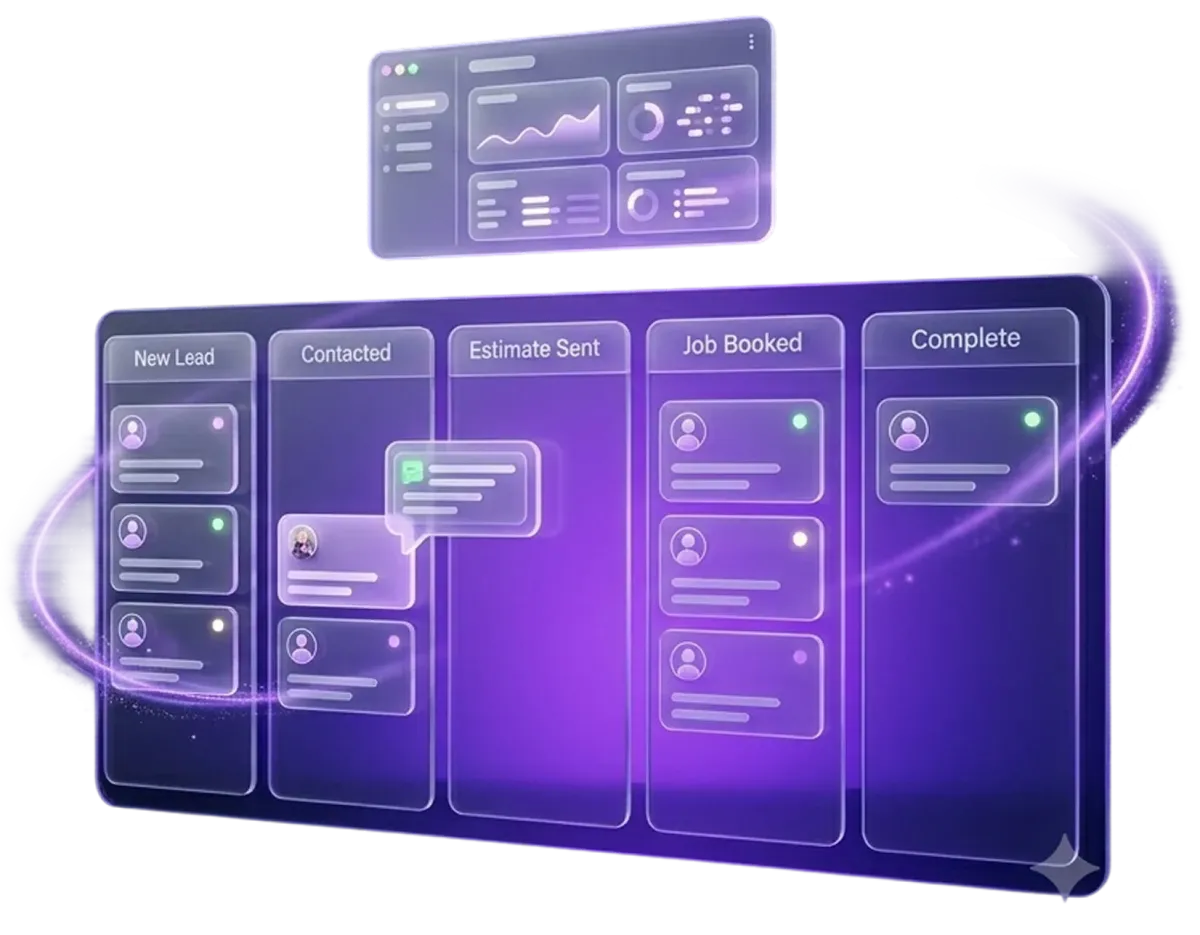
Viking puts every call, web form, chat and missed call into one pipeline as a contact, then follows up by text and email on a schedule you set. Each lead gets a named owner, and the same record carries the booking, the invoice and the review request. Setup is done with you and most businesses are live in 48 hours.
- Pricing: $297, $497 or $997 a month, with no per-seat fees and no contracts. Standard carrier SMS rates apply.
- What changes by plan: every plan includes the CRM and lead tracking. Growth ($497) adds advanced pipeline tracking and database reactivation.
Not a good fit if: you only need a free list of contacts, or you are a single person with a handful of leads a month. A free CRM will do that job.
See how Viking's lead management works
2. HubSpot
Best for: teams that want to start free and upgrade later.
HubSpot's free CRM is free for up to 2 users and 1,000 contacts, with no expiration date. That makes it a low-risk way to move leads out of a spreadsheet. Paid Sales Hub plans are priced per seat, and Professional costs $90 per seat per month billed annually plus a required one-time onboarding fee of $1,500.
Watch for: the per-seat model means the bill grows with the team, and text messaging is not listed on the Sales Hub pricing page, so check how you would text leads before you commit.
3. Bigin by Zoho
Best for: small teams that want a simple pipeline CRM at a low per-user price.
Bigin is Zoho's CRM for small businesses. The free plan covers 1 user and 500 records with a single pipeline. Paid plans start with Express at $7 per user per month billed yearly ($9 monthly), and paid plans come with a 15-day free trial with no card required. A built-in phone for making, recording and routing calls is included on every plan.
Watch for: SMS is not listed on the pricing page (WhatsApp integration starts on Express), and each extra person is another paid user.
4. Jobber
Best for: home service businesses that want quoting, scheduling and invoicing in the same tool as their leads.
Jobber is field service software. Core is $29 a month billed annually ($49 monthly) for one user. Two-way text messaging is on the Grow and Plus plans, and automated quote follow-ups start on Connect. Extra users are $29 a month each, and there is a 14-day trial with no card required. Jobber also lists lower introductory rates for the first months.
Watch for: the features that do most of the follow-up sit on the higher plans, so price the plan you will actually need, not the entry plan.
What about a spreadsheet?
A spreadsheet is fine for a short list of names. It stops working when leads arrive from several places at once, when more than one person follows up, or when follow-up has to happen after hours. A spreadsheet stores leads; it cannot text a lead back at 7 PM or tell you which one has gone quiet for a week.
How to choose lead management software for a small business
Five questions separate the tools that keep leads from leaking from the ones that only store them.
1. Does it follow up, or only record?
If a person still has to remember every follow-up, leads will slip on busy days. Look for automatic text and email sequences tied to the lead's stage.
2. Is texting included?
Many leads now reply to texts faster than to email. Check whether texting is built in, an add-on, or only on higher plans.
3. What happens to the price when you add a person?
Per-seat pricing is cheap for one user and expensive for five. A flat plan does not change when the team grows.
4. Do your lead sources connect?
Calls, web forms, chat and ads should create contacts on their own. Manual entry is where leads get lost.
5. Who sets it up?
A tool you configure yourself can take weeks to get right. Ask how long until it is following up on real leads, and who builds the pipeline with you.
The bottom line
Start with how many leads you lose today and why. If the problem is that leads sit in an inbox, any of these tools is better than a spreadsheet. If the problem is that nobody follows up in time, choose the tool that does the follow-up for you. For a speed-to-lead primer, read our guide on speed to lead software, or book a free demo to see Viking with your own leads.

 Lead Reactivation & CRM